HP ZBook 17 G2 review
HP ZBook 17 G2 — from 2013, 2.82 kg, performance 15.
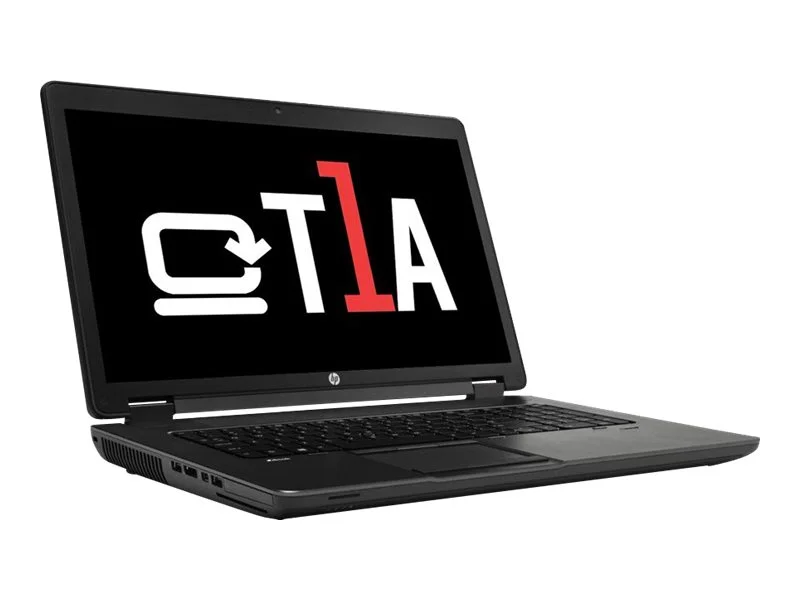
Technical specifications
| Type | Workstation |
| Release year | 2013 |
| Screen | 17.3" · 1600x900 |
| Processor | Intel Core i5 4200M |
| Graphics | Quadro K1100M 2GB |
| Max. RAM | 16 GB |
| Weight | 2.82 kg |
Performance scores
HP ZBook 17 G2 — a 2013 17-inch workstation whose era has closed
A 2013 17-inch workstation at $228 — less than half the $471 class median, ultra-budget territory. Core i5-4200M, Quadro K1100M with 2GB, 16GB of RAM. The metrics are blunt: graphics 0.17 (−99.6% versus class), reliability 6, mobility 5. No top strength registers.
What the Quadro badge meant — and stopped meaning
In 2013 the K1100M was a legitimate ISV-certified CAD card in a 17-inch chassis, and the machine earned its workstation price (a $2,200 base). Judged today, the same silicon scores 0.17: measured Far Cry 5 and Battlefield 5 both fall far below their minimum bars — the era-scoped honest read is that neither modern gaming nor modern CAD loads register on this hardware at all.
Where that leaves a buyer
The remaining assets are the big panel and the 16GB. As an office-terminal with a 17-inch screen, it functions. As a workstation — the only reason to prefer it over generic laptops — it no longer qualifies by any measured capability.
Price trajectory
From $2,200 to $228 at 7.08% per year — the slow annual rate simply reflects a machine that has already lost 90% of its value. Projected $197 (−14%) ahead. There is no resale expectation left to protect.
Against its neighbors
Pricier: the ThinkPad W541 ($251) and Dell Precision 3510 ($243) — one generation newer, materially more capable. Cheaper: HP's own ZBook 14 G2 ($215) and ZBook 15 ($203). For CAD-on-the-cheap purposes, the extra $15-25 for the Precision 3510 buys a meaningfully newer platform.
Bottom line
A nostalgia machine or a parts donor. Its workstation credentials are historical; at this price the honest alternatives one tier up are cheap enough that even budget CAD buyers should skip this generation.
🧭 Your context
Stage: Refining requirements
You're refining — compare finalists head-to-head.
🎯 For your profile
You've viewed: You've recently viewed 50 models — compare this model with them in the analogs matrix.
⭐ What stands out
-
graphics performance is lower than typical workstation class (+99.6%) (office tier).
budget segment of category -
reliability is lower than typical workstation class (+86.2%) (low tier).
budget segment of category -
mobility is lower than typical workstation class (+86.1%) (low tier).
budget segment of category
🔁 Alternatives
Compromise axis: mobility ↔ compute power
🎮 What it can run
⚙️ Configuration analysis
Top configuration is built for office apps, web browsing, and basic daily tasks.
🤔 How to choose
Universal advice for any use case.
- Reliability vs price: reliability (median 43.5) ↔ price (median 471).
- Weight vs CPU: mobility (median 36) ↔ overall performance (median 60.6).
- Upgradeability vs battery: upgradability (median 100) ↔ battery life (median 2.4).
ZBook 17 G2: verdict
➡️ Next step
You're refining — compare finalists head-to-head.